Create and review contracts - exactly how you want!
Edit contracts directly in Word and collaborate in real time—streamlining your workflow and speeding up approvals.
Review a Contract for Free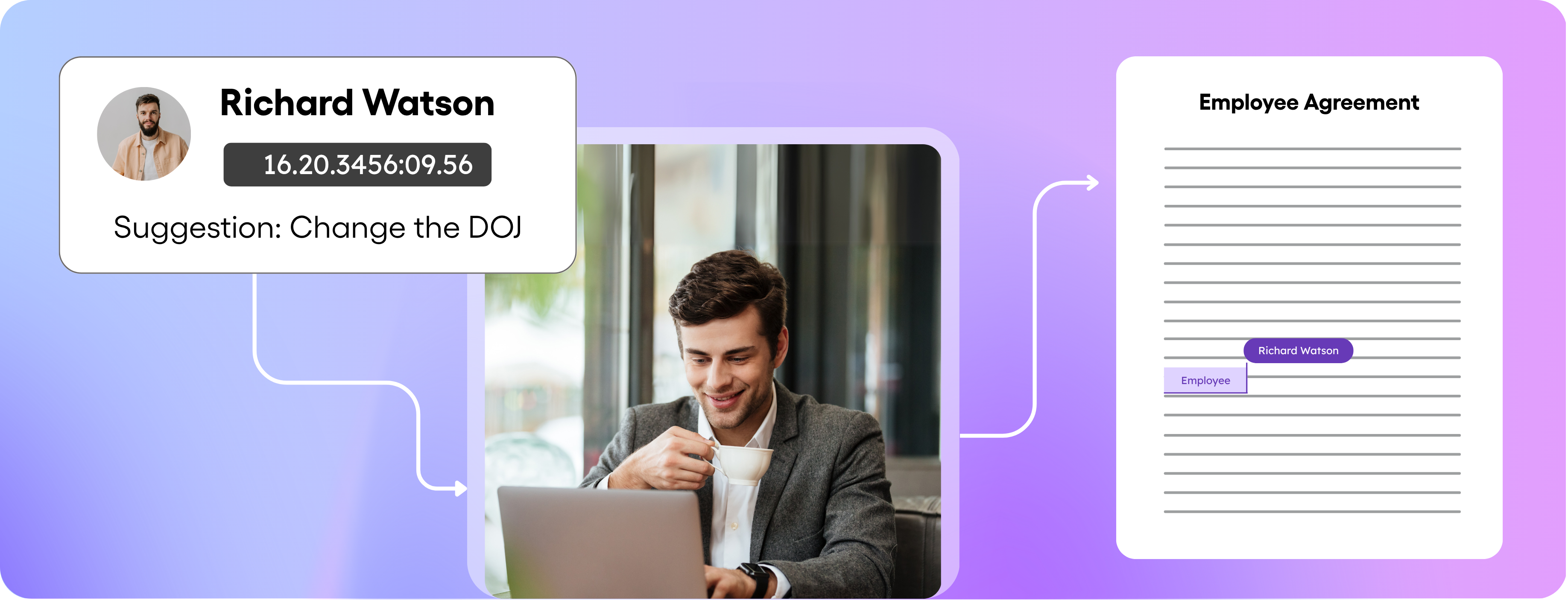
Draft, review & edit without limits
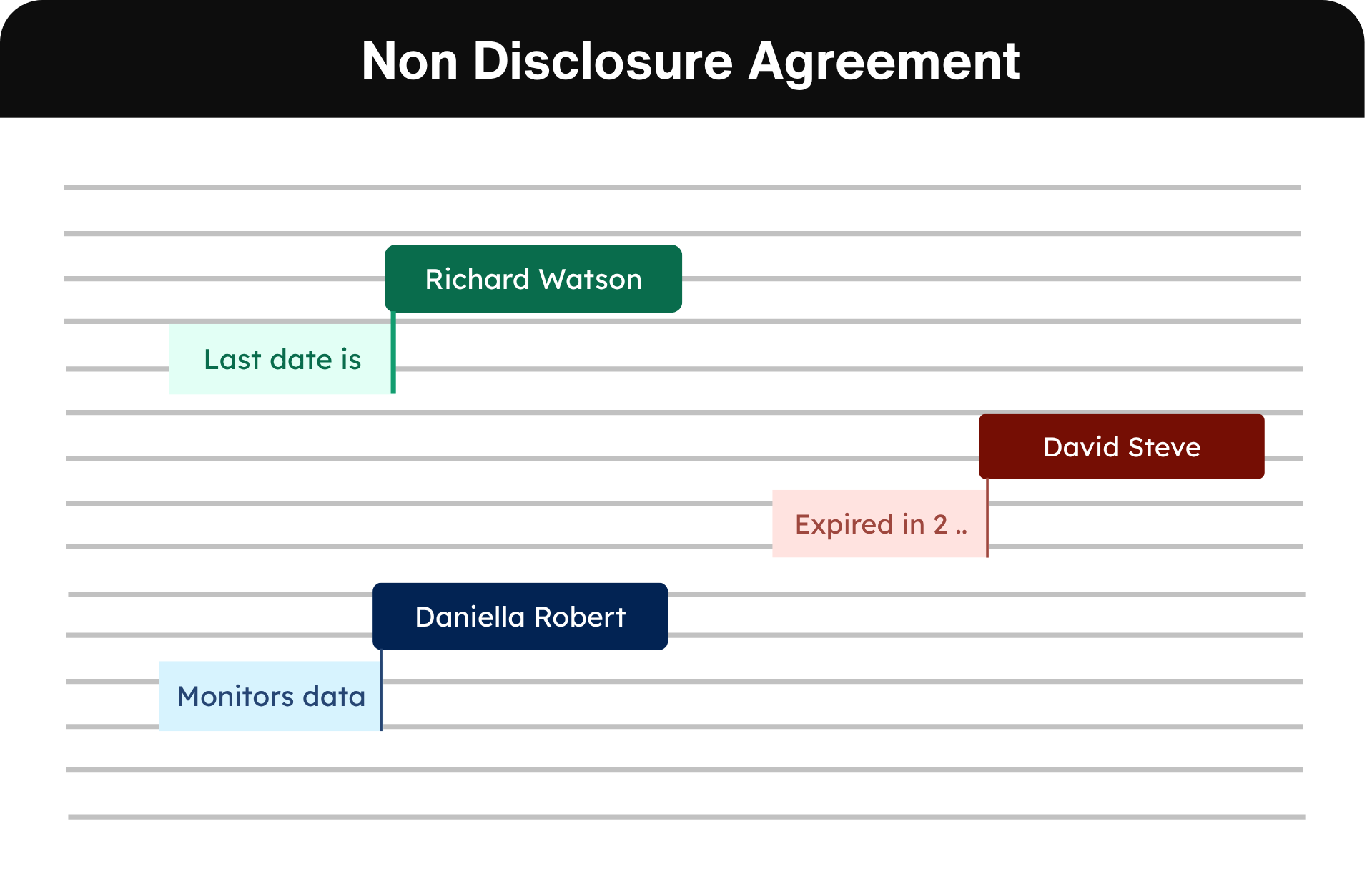
Collaborate in real time, edit without constraints, and redline directly within your workspace — no more tool-switching.
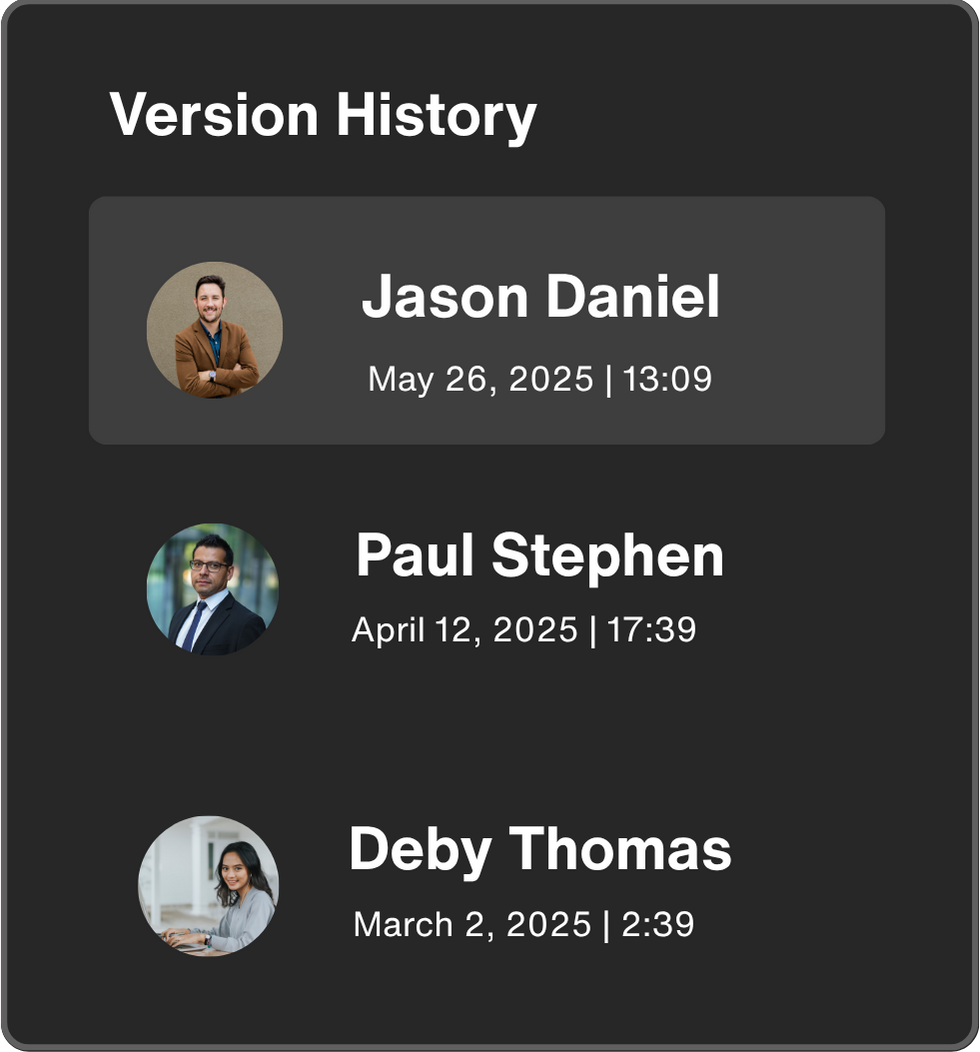
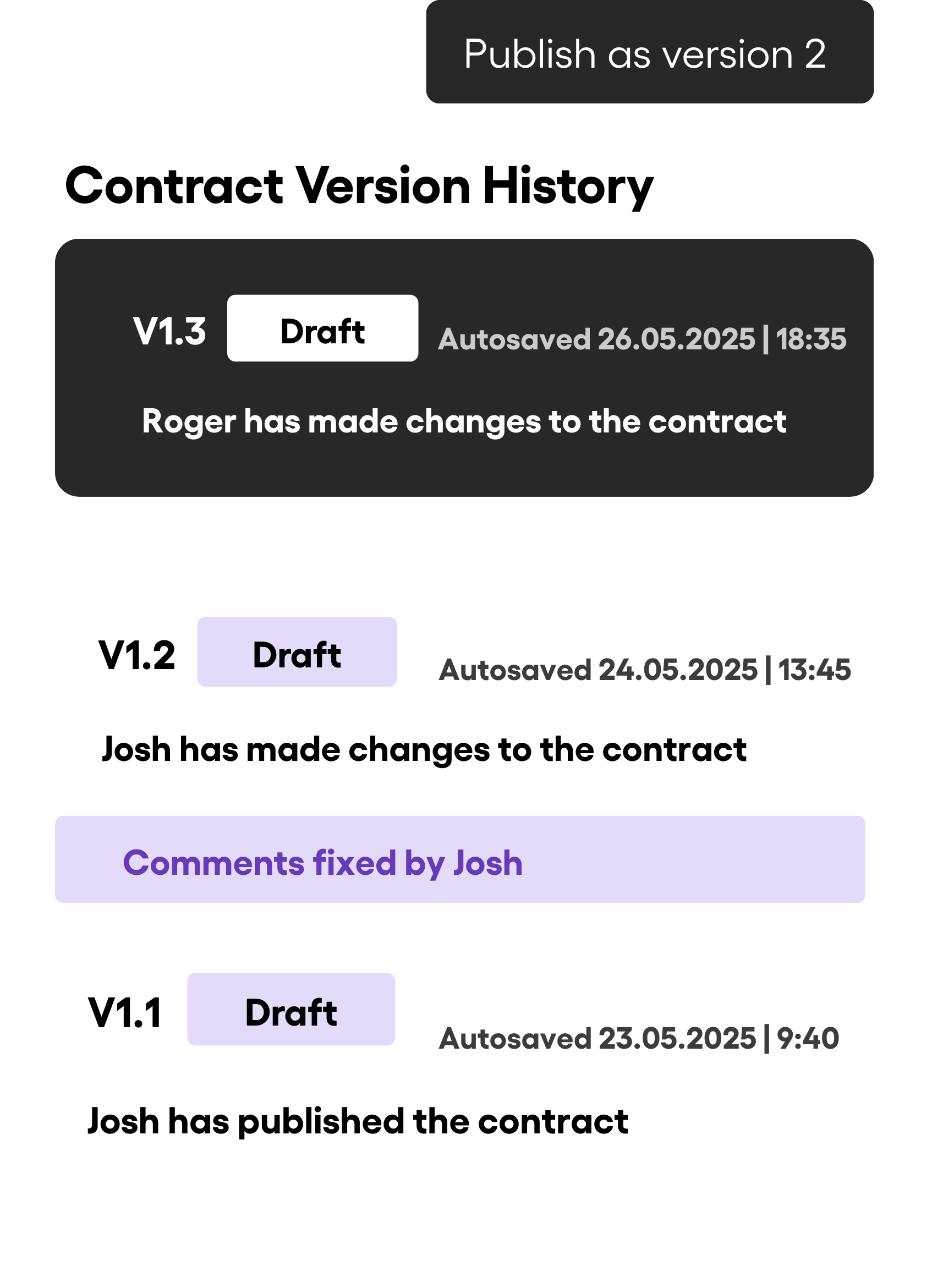
Drafts are saved automatically, versions are logged, and your team always stays in sync.
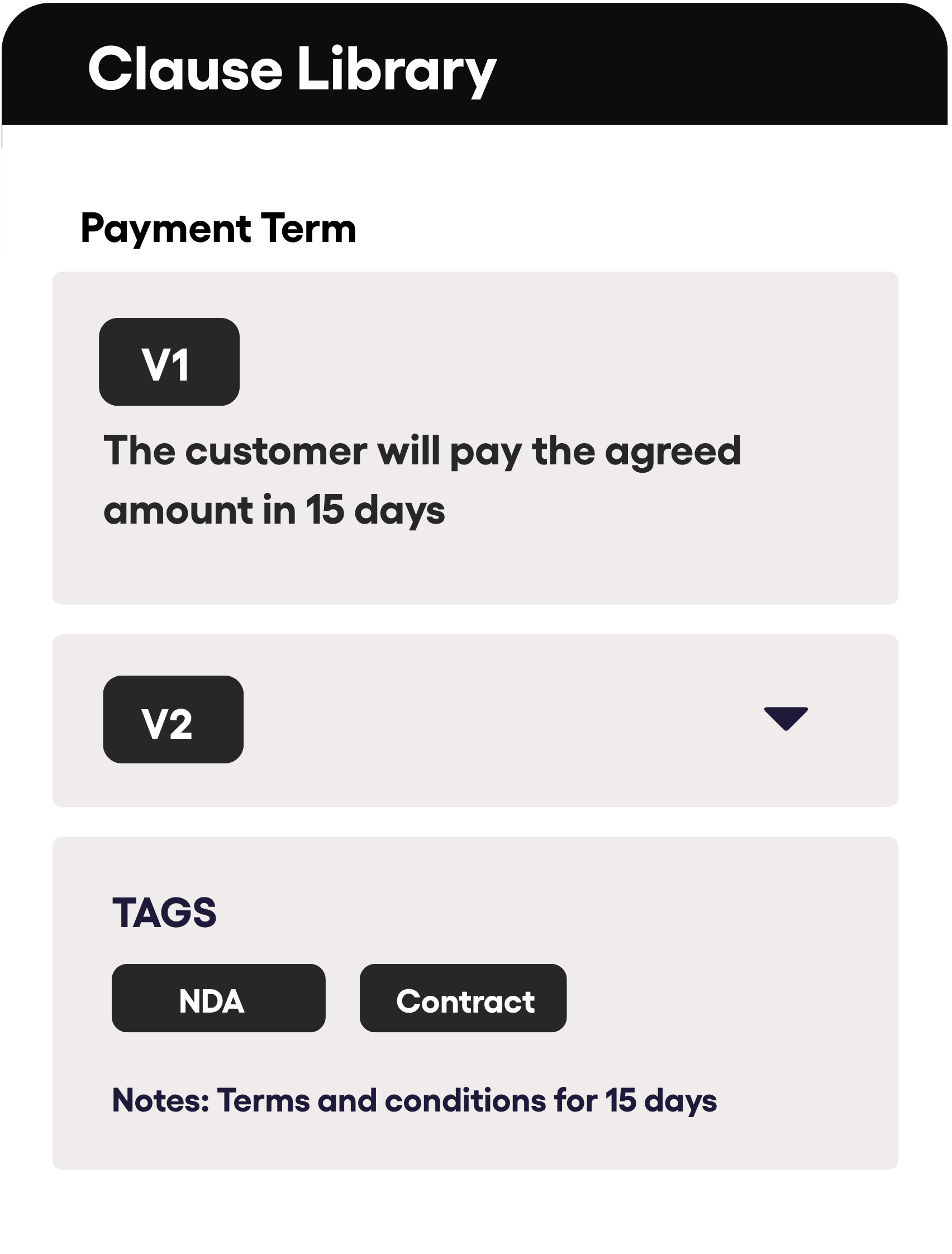
Eliminate drafting errors with reusable, pre-approved repository of approved clauses.
Edit contracts in Word right inside BoloSign
BoloSign lets you draft, edit, and review contracts using Microsoft Word’s interface—plus advanced tools built for legal teams.
Seamless contract editing
If you are comfortable with Microsoft Word for editing, with BoloSign’s Word integration, your contract workflows stay smooth, familiar, and fully synced—no switching tools or losing context.
- Edit directly in Word, save directly to BoloSign with formatting, comments, and structure stay perfectly preserved.
- Collaborate confidently. From edits and redlines to final approvals, everyone stays aligned.
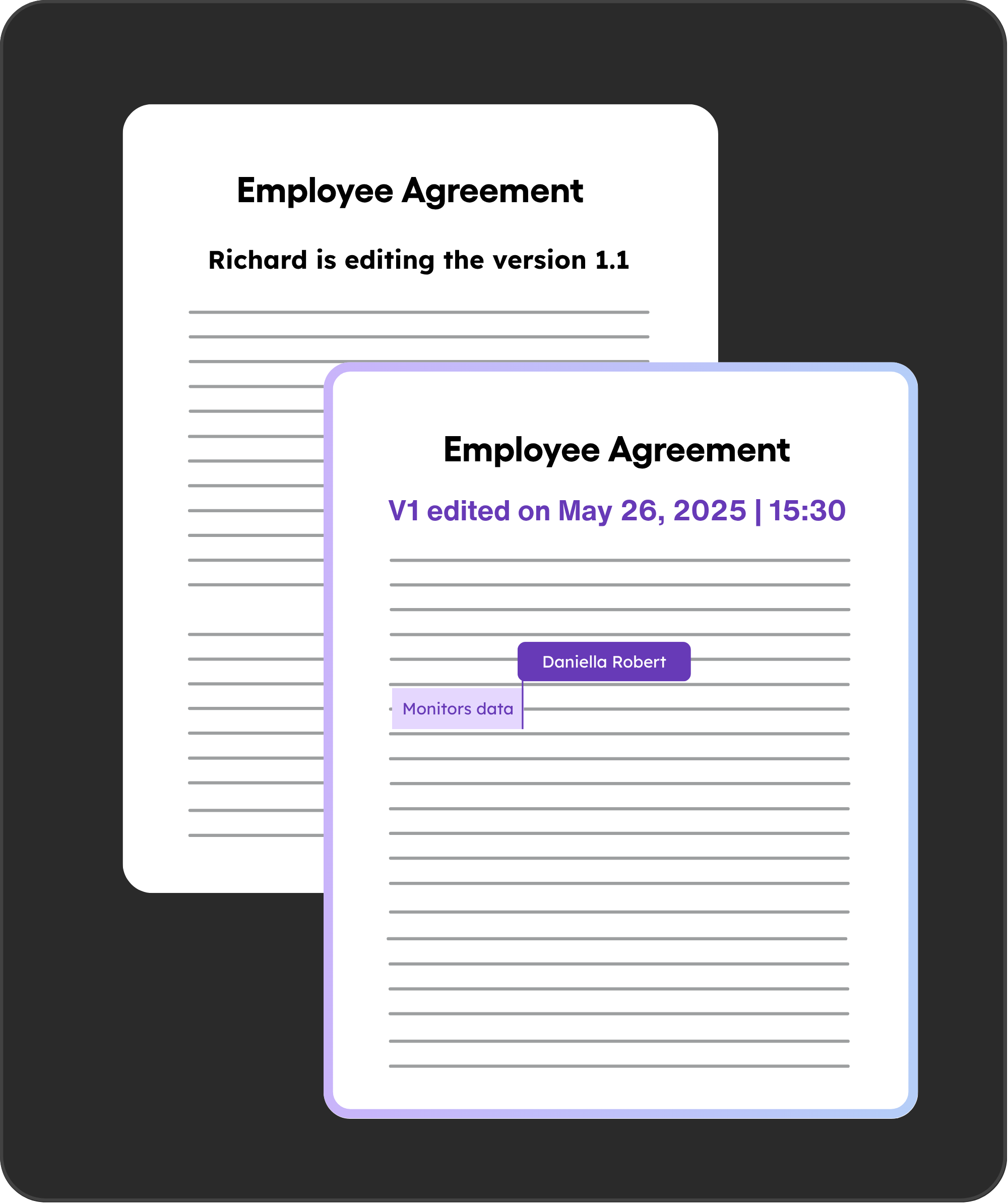
- Instantly see who’s reviewing, editing, or commenting on each version inside BoloSign.
Real-time collaboration
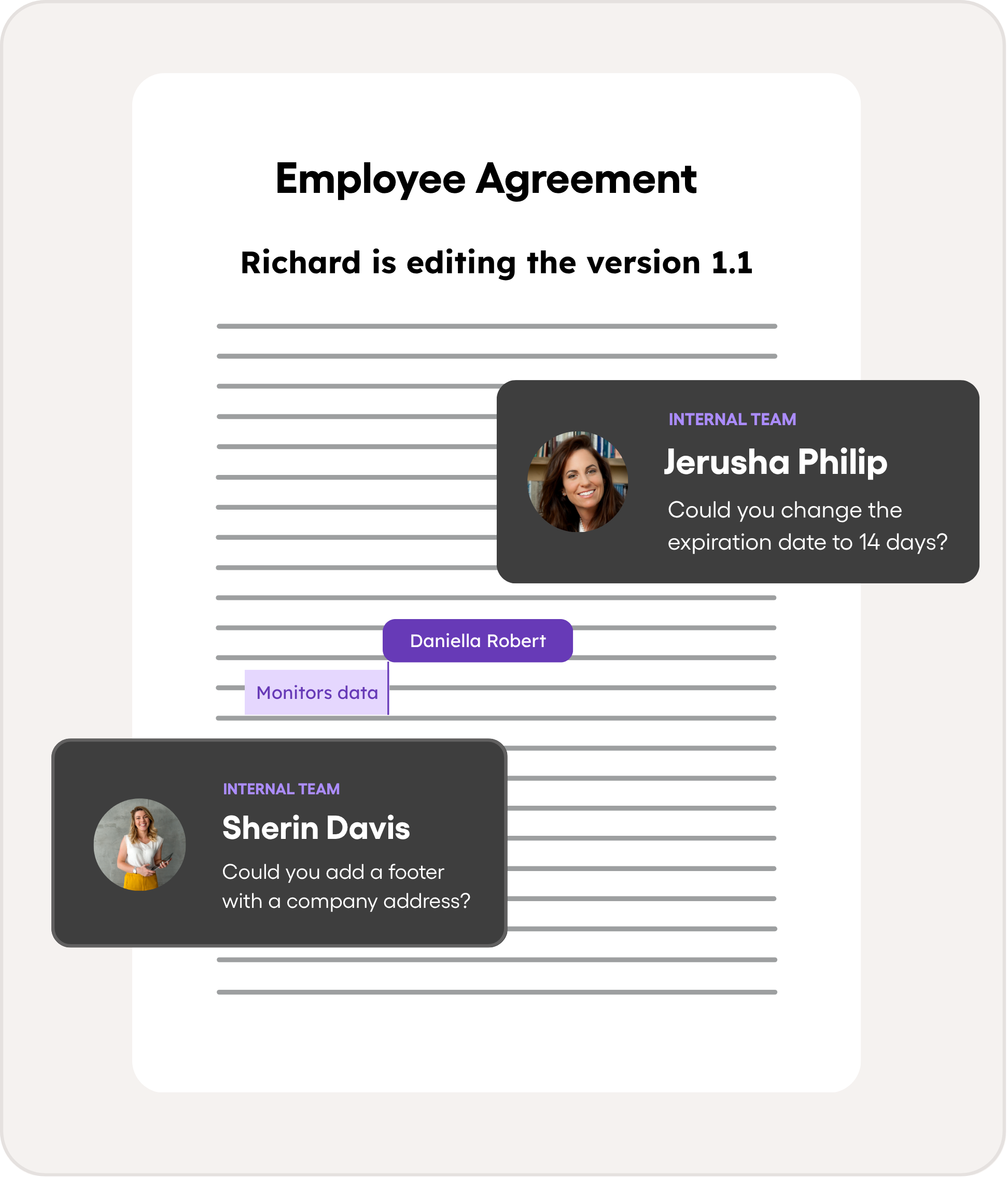
For fast-moving teams working together on contracts, our editor enables seamless co-authoring and communication.
- Collaborate live with your team. Multiple users can edit the same contract at once, with instant updates reflected for everyone.
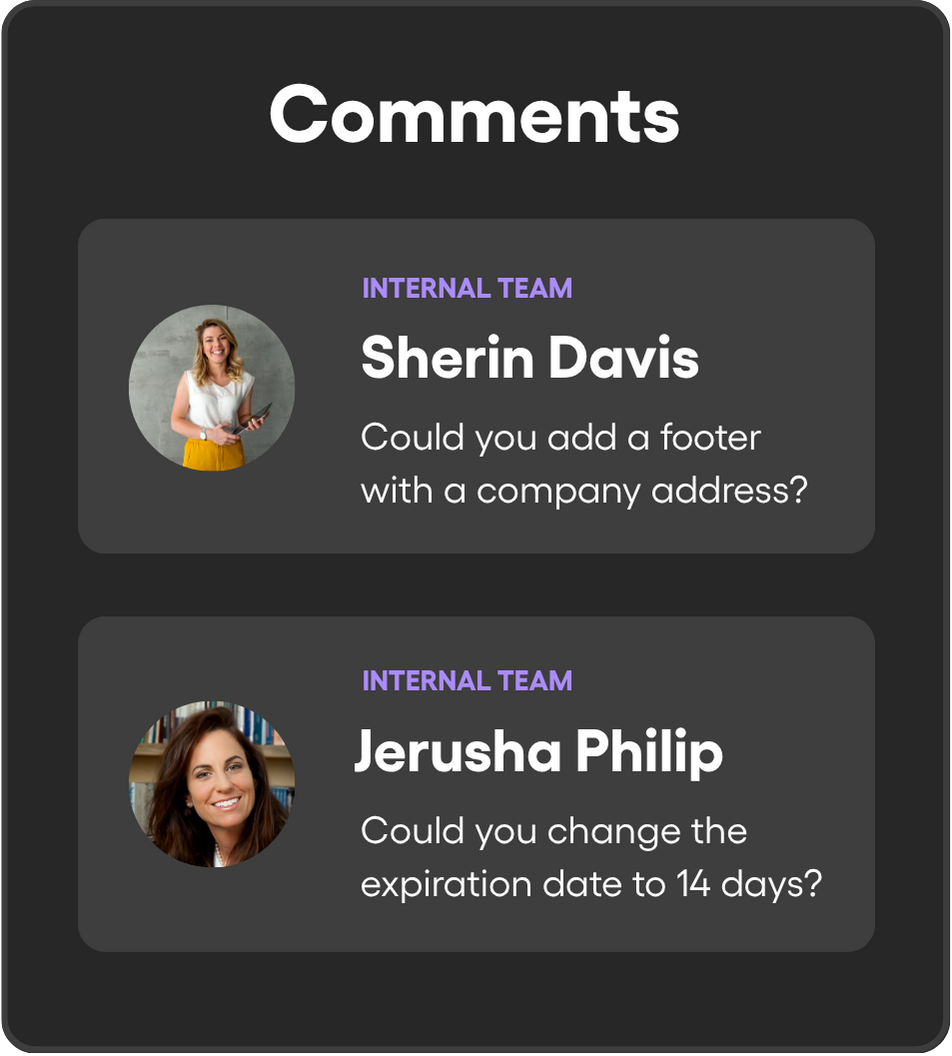
- Comment smartly. Mention teammates in real-time, separate internal vs external notes, and keep feedback flowing smoothly.
- Never lose progress. Drafts are automatically saved as you work, and you stay in control of when to publish official versions.
Review contracts with AI
AI Verification brings speed and precision to your contract workflow by letting you automate reviews with intelligent, customizable playbooks—powered by AI trained on expert legal insight.
- Create and customize contract review playbooks in seconds.
- Check contracts for compliance with internal and external policies automatically.
- Receive clear suggestions, redlines, and comments with AI-level accuracy.
FAQs
Ready to streamline your contract management with AI?
Contact Sales
AI assistant to draft, review, and eSign contracts on autopilot for fastest growing companies.
Email: support@boloforms.com


Sales Inquiry
Available On


AI assistant to draft, review, and eSign contracts on autopilot for fastest growing companies.
Email: support@boloforms.com
Company
Solutions
Resources
Legal & Security
Sales Inquiry
Available On