See what your contracts are really telling you
With BoloSign, reporting isn’t just numbers—it’s clear, helpful insights that guide smarter decisions and smoother workflows.
Take a Quick Demo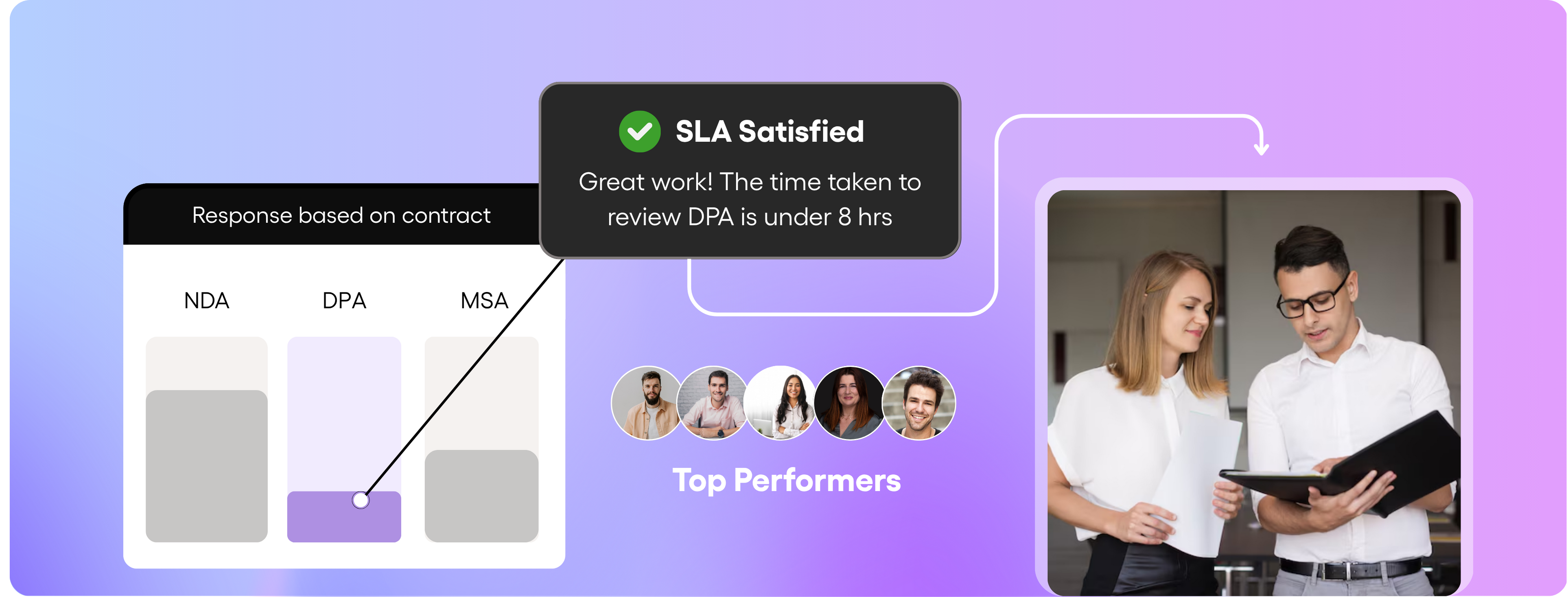
3 Steps in contracts reporting
Search and pull up the right contracts without wasting time.
Keep track of where every contract is in the process.
Use insights to decide what’s next and keep things moving.
Easily search and stay updated on important contracts
- Use smart filters to create views that update automatically when new contracts come in.
- Search by specific terms or phrases to quickly find what matters inside your contracts.
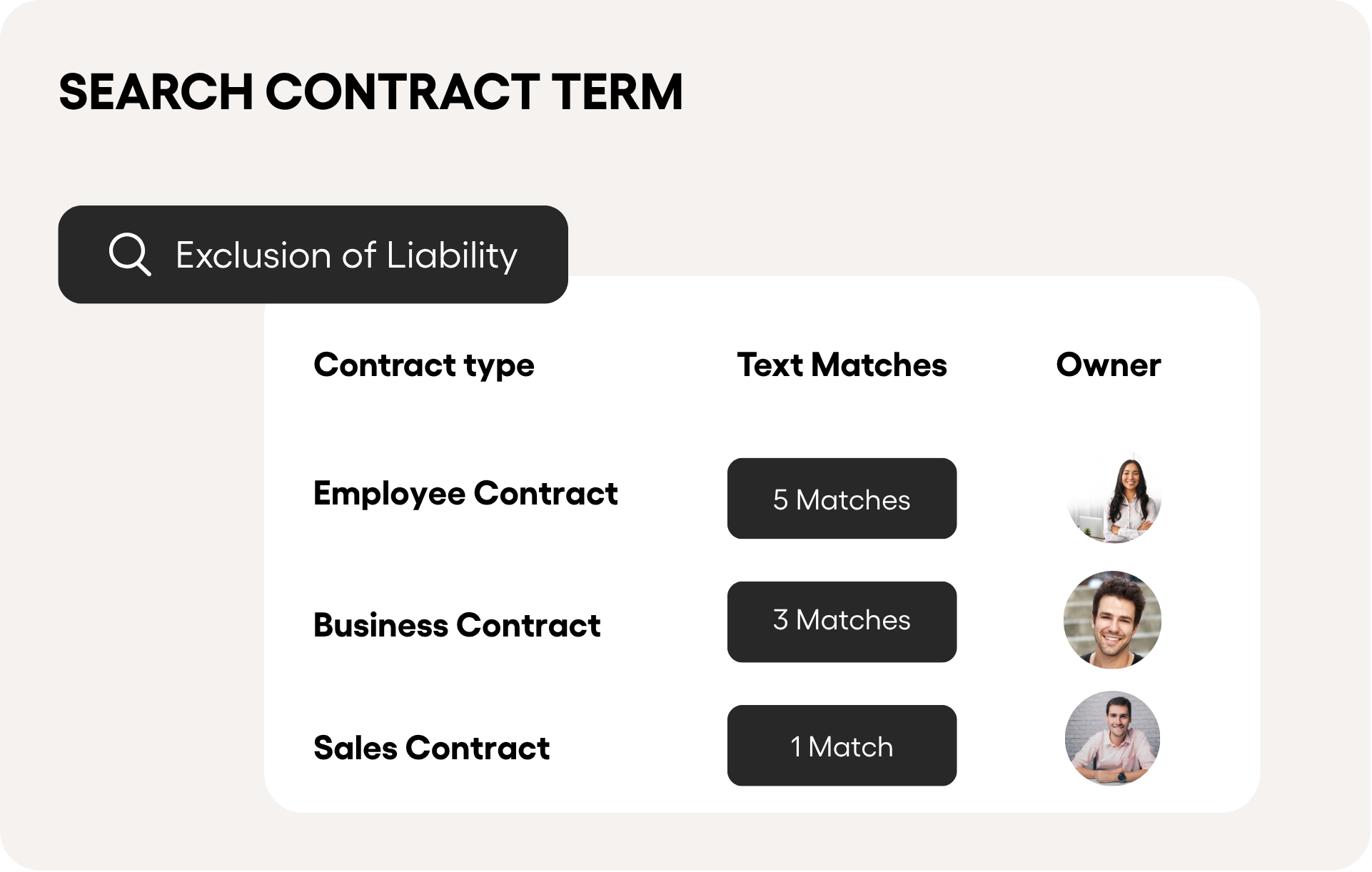
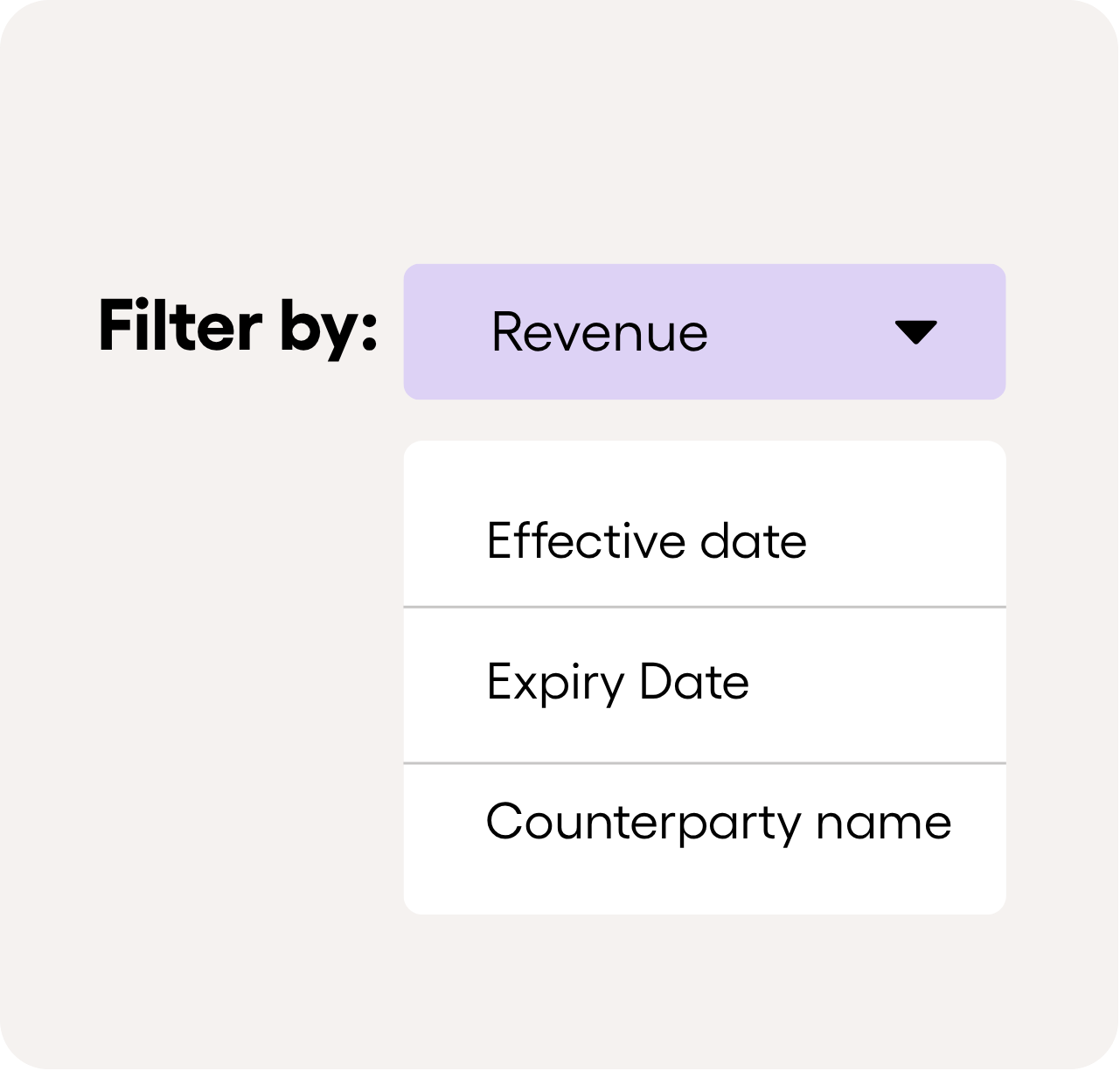
Filter contracts by dates, revenue, or who they’re with.
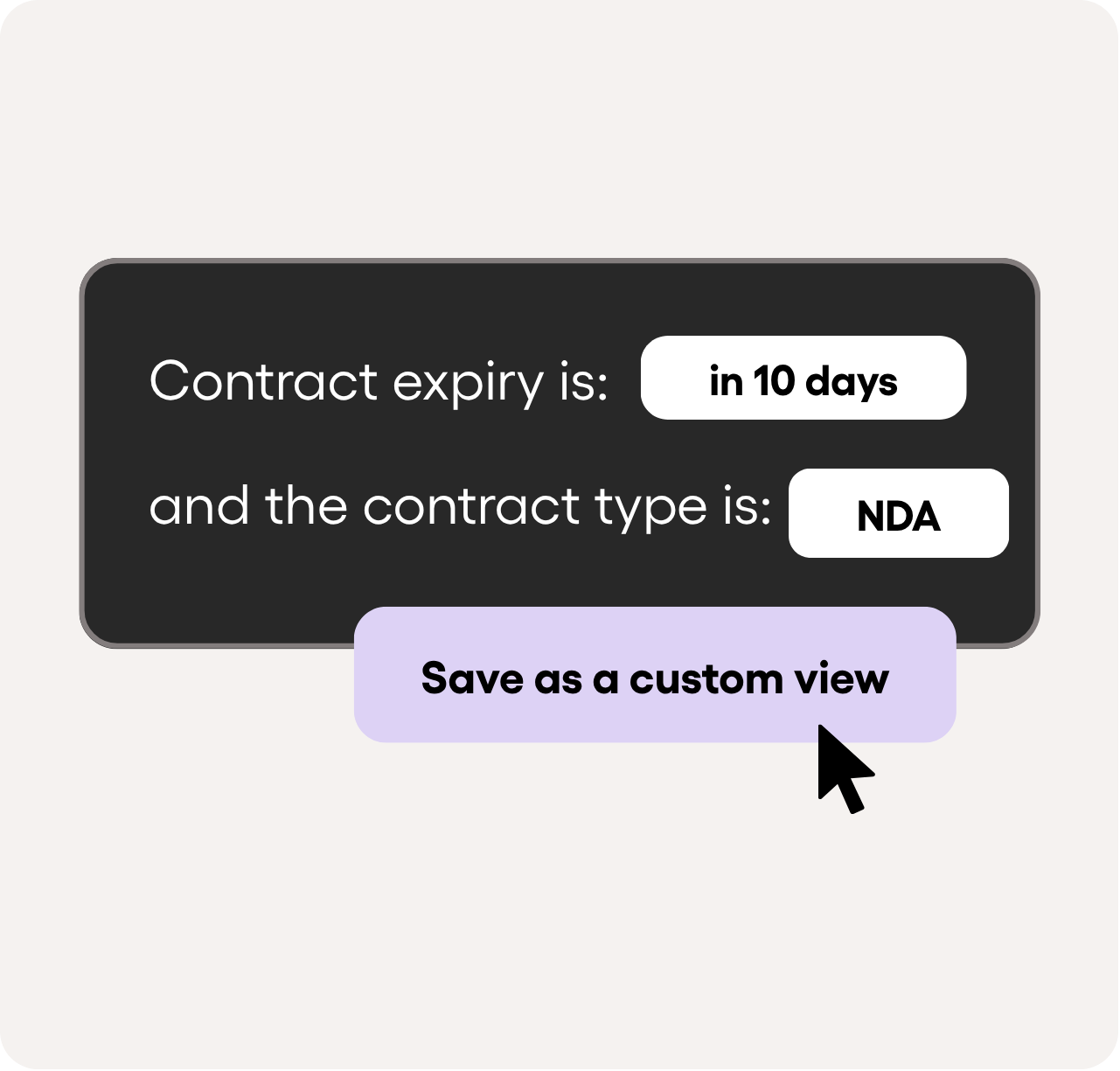
Save your favorite searches so you can get to them quickly.
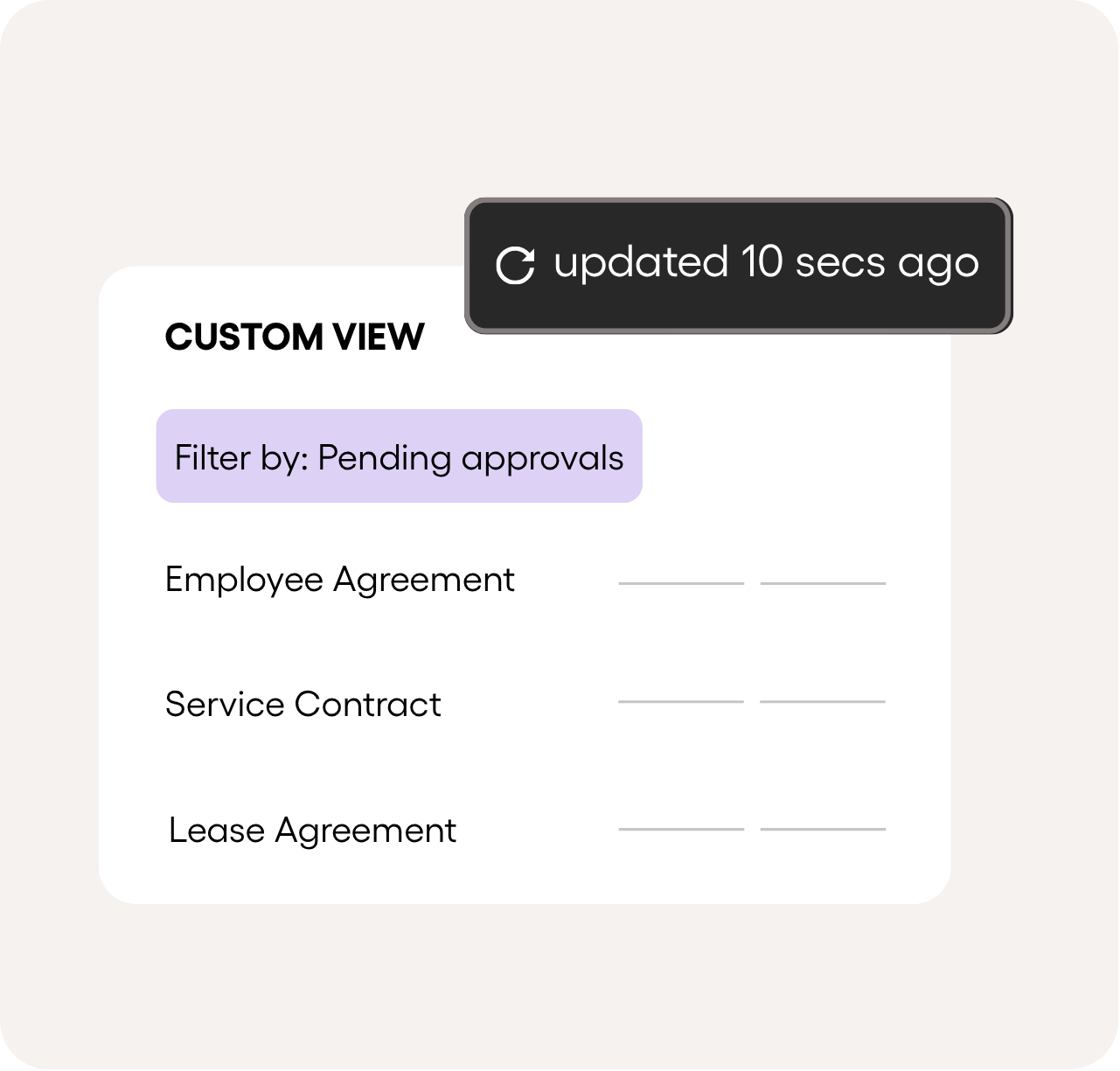
New contracts that match your filters show up automatically.
Edit and automate your reports
Generate reports just once or set them to run automatically on a schedule—using any view—and have insights delivered straight to your inbox.
- Use advanced filters and search tools to create personalized data views.
- Schedule recurring or on-demand reports directly from your saved views.
- Distribute vital contract data across departments and decision-makers.
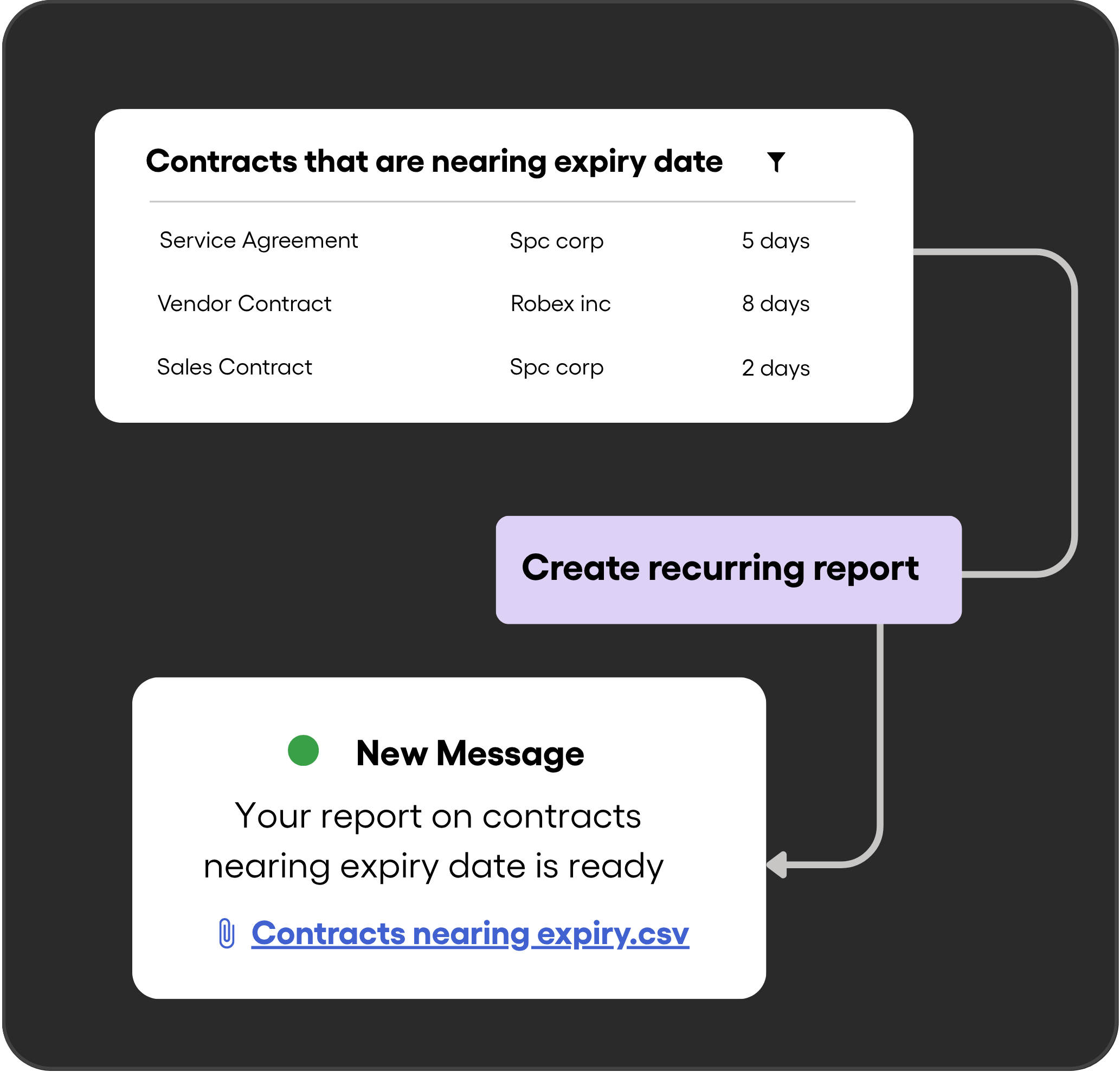
Optimize your contract workflows
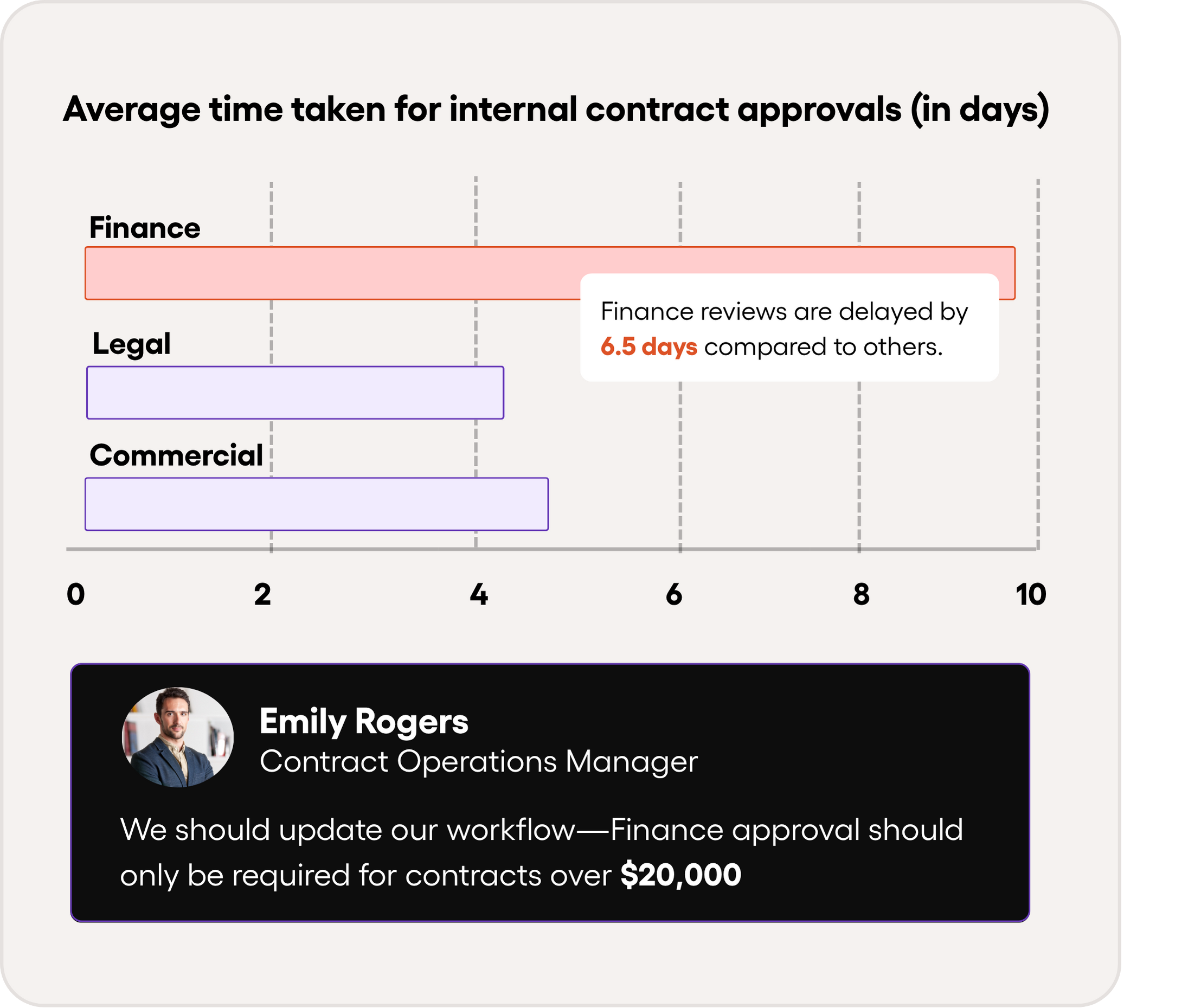
Track every stage of your contract lifecycle—from drafting to completion—with clear, actionable analytics that help you.
- Spot bottlenecks in your workflows and streamline processes to speed up contract turnaround times.
- Use concrete data to showcase how the legal team contributes to business growth and operational efficiency.
- Understand team workloads, forecast resource needs, and make smarter staffing or process decisions.
FAQs
Ready to streamline your contract management with AI?
Contact Sales
AI assistant to draft, review, and eSign contracts on autopilot for fastest growing companies.
Email: support@boloforms.com


Sales Inquiry
Available On


AI assistant to draft, review, and eSign contracts on autopilot for fastest growing companies.
Email: support@boloforms.com
Company
Solutions
Resources
Legal & Security
Sales Inquiry
Available On